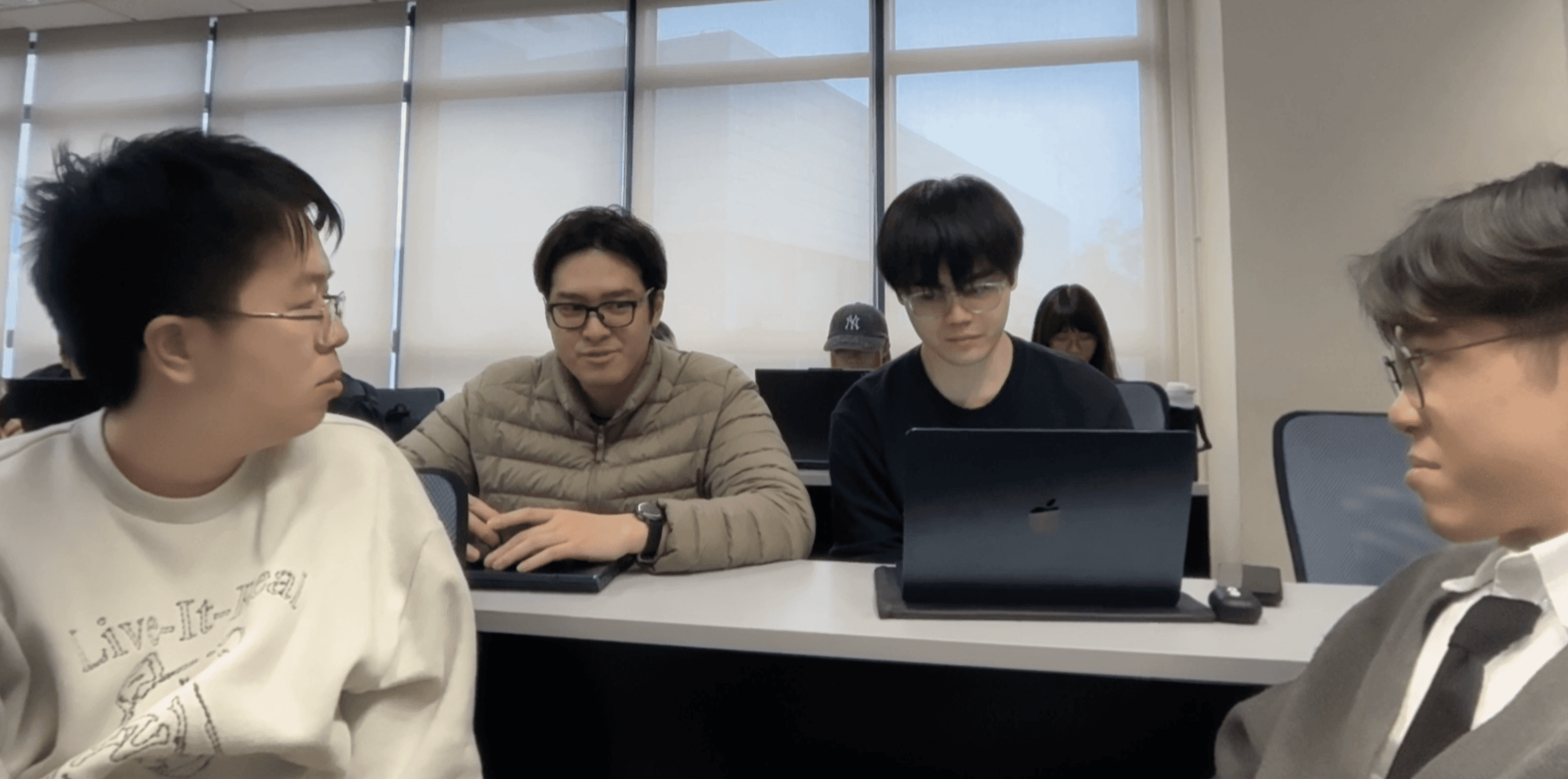
User testing outcomes and design insights for PathFinder+.
User testing outcomes and design insights for PathFinder+.
Hands-on user testing identified user interaction patterns and pain points in PathFinder+.
Hands-on user testing identified user interaction patterns and pain points in PathFinder+.
Learn how key feedback shaped the design of facility, map, and report views for enhanced campus navigation.
Learn how key feedback shaped the design of facility, map, and report views for enhanced campus navigation.
Evaluation & Analysis Methodology
Our interactive prototype was tested by student, staff, and visitor personas at CityU in a hands-on setting. Users attempted tasks unaided, while providing live feedback, allowing us to surface usability issues and areas for improvement. Extreme confusion was rare; when it occurred, brief clarifications were provided.
Through observation and feedback, we captured first-time user mindsets, revealing both expected workflows and points of confusion. This enabled targeted iterative design improvements for PathFinder+.
Evaluation Findings
Facility view was found to be overwhelming and not always organized as users expected. Key improvements included classifying by facility purpose, delegating details to subviews, and simplifying the overview sections. Map view identified issues related to campus navigation, especially for multi-storey environments. This led to the introduction of a tailored map and new navigation logic.
The report view flow, initially blocked by a voice recognition page, was streamlined. Suggestions included tags for frequent issues and improved entry points. Across the app, feedback led to a unified color and icon system, and decluttering of interface elements.
Impact of Findings
The evaluation led to major changes: the map became the home page’s central feature, category and status buttons were visually overhauled, and a more intuitive navigation between facilities was implemented. Colors and icons were refined for clarity and accessibility, and crowd indicators were standardized.
Reporting, post interactions, and search were streamlined. The UI now reflects user intent better, with lighter backgrounds, clearer status cues, search and settings integrated into the upper bar, and new facility types like ‘Canteen’.
Other Information – Task Design
Unique scenarios were used to validate primary use cases: ‘Quick Report’ (scanning QR for fast issue reporting), ‘Equipment Overview’ (checking equipment status and starting discussions), and ‘Find Alternative’ (locating available facilities when current ones are broken). Success was measured by user ability to navigate tasks without major friction.
Testing demonstrated whether users could efficiently enter reports, locate equipment, and find alternatives—validating both app design and feature completeness.
Insights (Individual & Group)
Our team reflected on contributions and iteration. Individually, members focused on improving UI contrast, interactive components, and ease of use, informed by user and peer feedback. Unique skills like animation, modular design, and visual clarity were combined in the group prototype.
Group review integrated these ideas into a unified design system inspired by CityU branding, addressing usability and accessibility. The experience cultivated practical skills in teamwork, user-centered design, and iterative prototyping, producing a more coherent and impactful app.